Switching between function keys and media keys on macOS can feel overwhelming, especially during a development session. Function keys are a critical part of the building and debugging flow (in Xcode, for example), while media keys need to be easily accessible during video conferencing or media consumption. Having to use two key presses for a single task or digging into settings every time is clearly inefficient.
ToggleFN solves this simple problem. It’s a lightweight macOS menu bar utility that lets you instantly and automatically switch between standard function keys and media keys.
How it Works
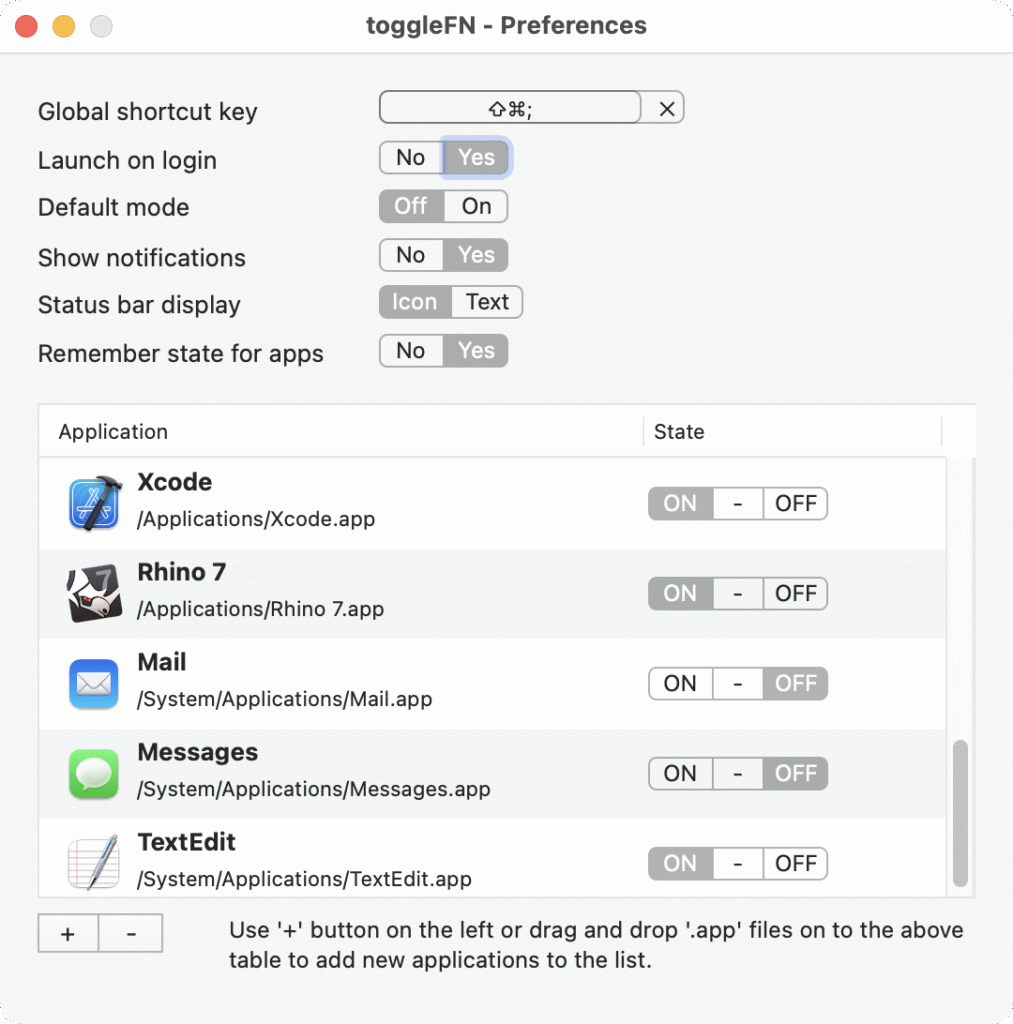
It remembers the function key state per application, so every app has its own mode. For example:
- In Xcode: Keys act as regular function keys for debugging.
- In Safari: Keys act as media keys for volume and playback.
The state can be configured directly from the menu bar, within the app settings, or via a customizable global shortcut key.